Recently updated: October 9th, 2026
YouTube is the world’s second-largest search engine and largest video-sharing platform, where creators and brands publish videos to reach wider, highly targeted audiences.
YouTube now has over 2.7 billion monthly active users, with 51% of users visiting the platform every single day. With over 500 hours of video uploaded every minute, standing out requires more than just good content — it requires knowing exactly what your competitors are doing and how your channel compares.
This is where YouTube competitor analysis tools come in. They provide in-depth insights into competitor channel performance, top-performing videos, keyword strategies, audience demographics, and engagement patterns — giving you the intelligence you need to make smarter content decisions and grow faster.
In this guide, we will cover the best free YouTube competitor analysis tools in 2026, explain how to use them step by step, and help you choose the right one for your goals.
Why We Need YouTube Competitor Research Tools
If you want to build a recognizable brand and grow massively on YouTube, you first need to understand your current position in the market and identify which areas need improvement.
That is why YouTube competitor analysis tools are essential — they provide full-fledged analytics of competitor channels and give you data-backed ideas to plan your next steps.
Growing on YouTube without analyzing your competition is like driving without a map. You might eventually get somewhere, but you will waste a lot of time and effort along the way.
Here are the key reasons why you should use YouTube competitor research tools:
Understanding Your Audience
Your audience is the foundation around which you design all your content. You need to know what types of videos appeal to your viewers so that you can create highly engaging, relevant content.
The more you produce the types of videos your audience wants to watch, the faster your channel will grow. YouTube competitor research tools provide in-depth analysis of audience behavior — both for your own channel and for competing channels in your niche.
These tools surface metrics like views, impressions, average view duration, likes, and click-through rates. This gives you a clear picture of which content formats resonate with large audiences and which ones underperform.
You can also use YouTube competitor tools to gain audience insights such as age and gender demographics, geographic distribution, active viewing hours, and what other channels your audience watches. This information dramatically improves your content strategy and overall channel performance.
Assessing Your Channel Performance
You can use YouTube research tools to understand how your channel is performing overall and benchmark it against competitors in your niche.
Key YouTube analytics metrics you can track include: how users discovered your content, subscriber growth over time, likes and engagement on individual videos, which content formats perform best, and how many people watch your videos on a daily or weekly basis.
Having a clear overview of your channel helps you understand your position in the market. You can compare your current performance to previous periods to measure growth, and compare your metrics against competitor channels to identify gaps and opportunities.
Tracking the overall growth trajectory of your channel — and how well it resonates with your target audience — allows you to double down on what is working and fix what is not.
Evaluate Influencers for a Campaign
Many brands and business owners want to reach wider audiences, so they partner with YouTube influencers. Competitor research tools make the influencer selection process far more data-driven and reliable.
Through YouTube analysis tools, you can examine critical influencer metrics such as fake follower percentage, average engagement rate, audience demographics, upload consistency, and brand safety scores based on content type. This ensures you invest your campaign budget in influencers who will deliver real results for your brand.
Right influencers can bring new heights to your channel and brand awareness. The wrong ones can damage your reputation and drain your budget without results.
How to Do YouTube Competitor Analysis: A Step-by-Step Process
Before diving into the tools, it helps to understand the process. Here is a practical 6-step framework for conducting a thorough YouTube competitor analysis — completely free.
Step 1: Identify Your True YouTube Competitors
Start by searching your main niche keywords on YouTube. The channels that appear consistently in results for your target keywords are your direct competitors. Use tools like VidIQ or Social Blade to discover additional channels in your space. Aim to build a list of 5–10 direct competitors to analyze.
Step 2: Analyze Their Top-Performing Videos
Sort each competitor’s channel by “Most Popular” to see their best-performing videos. Note the video topics, titles, thumbnail styles, video length, and the number of views, likes, and comments. Look for patterns — do long-form tutorials outperform short tips? Does a specific topic category dominate? These patterns reveal what your target audience most wants to watch.
Step 3: Uncover the Keywords They Are Ranking For
Use VidIQ or TubeBuddy (free tiers) to inspect the tags and keywords on competitor videos. Pay close attention to keywords used in video titles, descriptions, and tags on their highest-performing videos. This reveals the exact search terms driving their organic YouTube traffic — and shows you which keywords you should be targeting too.
Step 4: Benchmark Their Channel Metrics
Use Social Blade to compare subscriber growth rates, total views, upload frequency, and estimated earnings across competitor channels. This benchmarking tells you how fast competitors are growing, how often they publish, and what level of consistency is expected in your niche to remain competitive.
Step 5: Analyze Their Audience Engagement Patterns
High view counts are not everything. Look at the engagement rate — the ratio of likes and comments to views. A channel with 50K views per video but strong comments and likes has a more loyal, responsive audience than one with 500K passive views. Engaged audiences convert better for brands and grow faster through the YouTube algorithm.
Step 6: Identify Content Gaps and Build Your Strategy
After completing the above steps, you will have a clear map of what competitors are doing well and — more importantly — what they are not covering. These content gaps are your biggest opportunity. Create videos on topics competitors are ignoring, produce higher-quality versions of their best-performing content, or target keywords they rank for where you can genuinely compete. The InVideo editor can help you refine these videos by adjusting scenes, visuals, voiceovers, captions, and other elements before publishing. The can help you refine these videos by adjusting scenes, visuals, voiceovers, captions, and other elements before publishing.
Top Free YouTube Competitor Research Tools
There are several free YouTube competitor research tools available that are powerful, practical, and accessible to creators at every level.
Let us explore the best free YouTube competitor research analytics tools in 2026:
1. YouTube Analytics (YouTube Studio)
This is the most accessible and completely free tool available to every YouTube creator. Built directly into YouTube Studio, it provides comprehensive analytics about your own channel — and critically, its “Research” tab lets you explore search demand and competitor content within the platform.
You can easily get a real-time count of your subscriber changes, which means you always have access to the most current information about your channel performance.
- The “Overview” section shows overall views, watch time, and subscriber count changing over a selected period. This high-level dashboard gives you an immediate sense of performance trends over time.
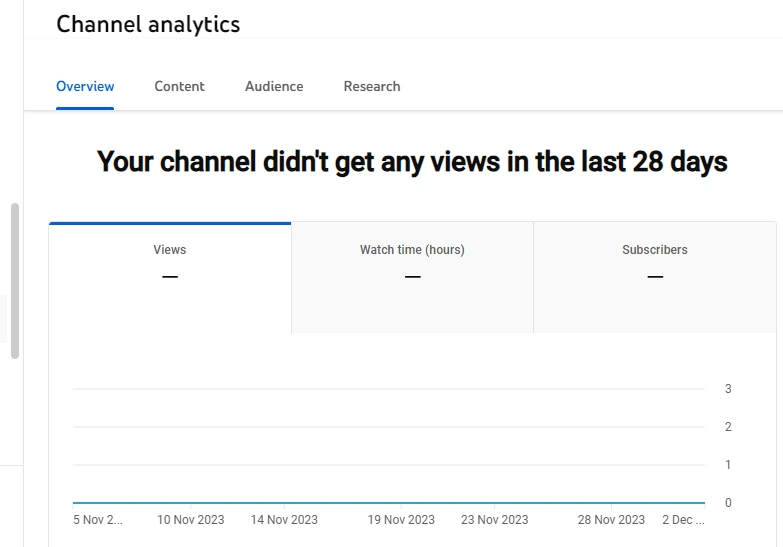
- The “Content” tab lets you evaluate metrics such as views over the past month, how viewers found your videos, impressions, and how impressions converted into watch time. This reveals which discovery sources — search, suggested, browse features — are driving your growth.
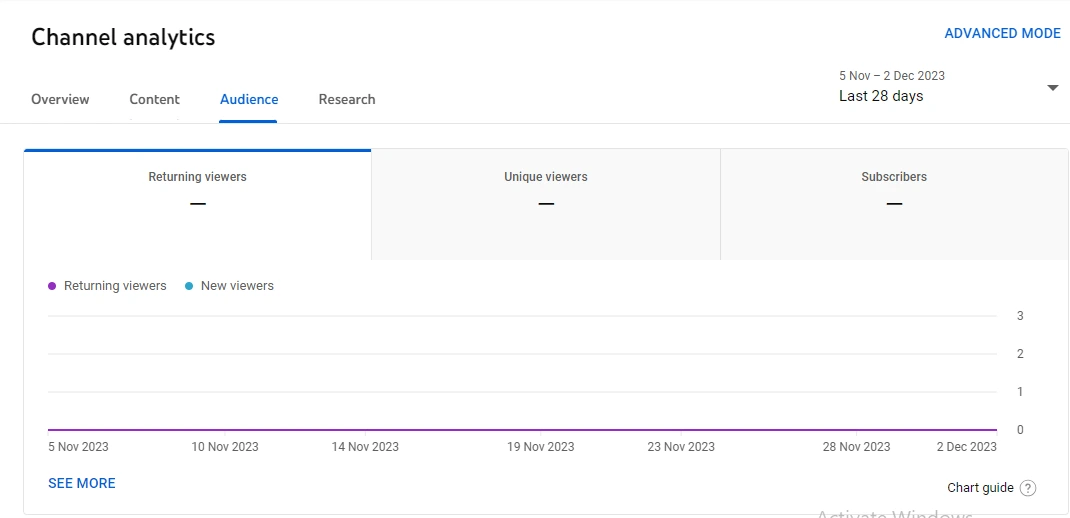
- The “Audience” tab shows how many new viewers your channel attracted versus returning viewers, along with demographic breakdowns including age, gender, geography, and — crucially — what other YouTube channels your audience also watches. This last metric is gold for competitor discovery.
- The “Research” tab is YouTube’s built-in keyword research tool. It shows you what your existing audience is searching for, what terms have high search volume on YouTube, and which topics have low competition — giving you a competitive edge before you even publish.
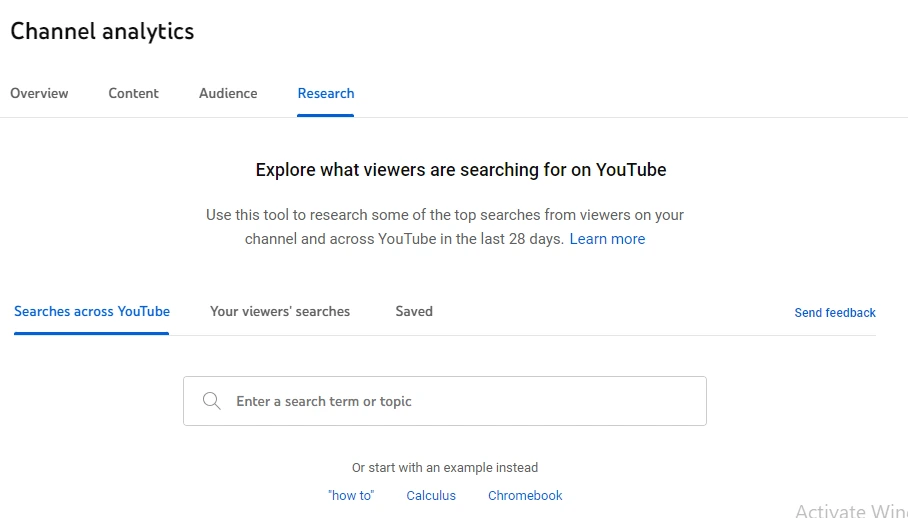
YouTube Analytics also shows when your audience is most active on the platform, which is extremely useful for planning your publishing schedule to maximize early engagement.
Other important metrics include average view duration, watch time by video, top geographies, top traffic sources, click-through rate (CTR) by video, and top subtitles and languages. Using these insights together, you can continuously optimize your YouTube content strategy.
Best for: All creators — completely free, no setup required.
Free plan: Fully free for all YouTube channel owners.
2. VidIQ
VidIQ is one of the most powerful and widely used YouTube competitor analysis tools available today. It is especially valuable for video content creators and brand owners who want to grow strategically. Its basic analytics plan is available for free, making it an excellent starting point for creators who are just getting started or working within a tight budget.
VidIQ provides you with all the essential tools needed for data-driven content creation. Its AI-powered system analyzes channels similar to yours and surfaces trending topic ideas relevant to your niche, so you always have a pipeline of content opportunities.
The tool also offers detailed channel auditing features, showing subscriber gains and losses, view trends, and engagement rate changes over time.
VidIQ’s competitor tracking feature is particularly powerful: you can add specific competitor channels and track their performance side-by-side with yours. This lets you monitor their upload frequency, subscriber growth, average views per video, and engagement rate — all in one dashboard.
The tool provides actionable suggestions on areas that need improvement based on what is working in your niche. These recommendations may include optimizing thumbnails, using specific keyword patterns in titles, joining a playlist strategy, or adjusting your publishing schedule.
Key free features for competitor analysis:
- Competitor channel tracking and benchmarking
- Video keyword and tag inspection on any public video
- SEO score for your videos compared to competitors
- Daily video ideas powered by AI trend analysis
- Channel audit with improvement recommendations
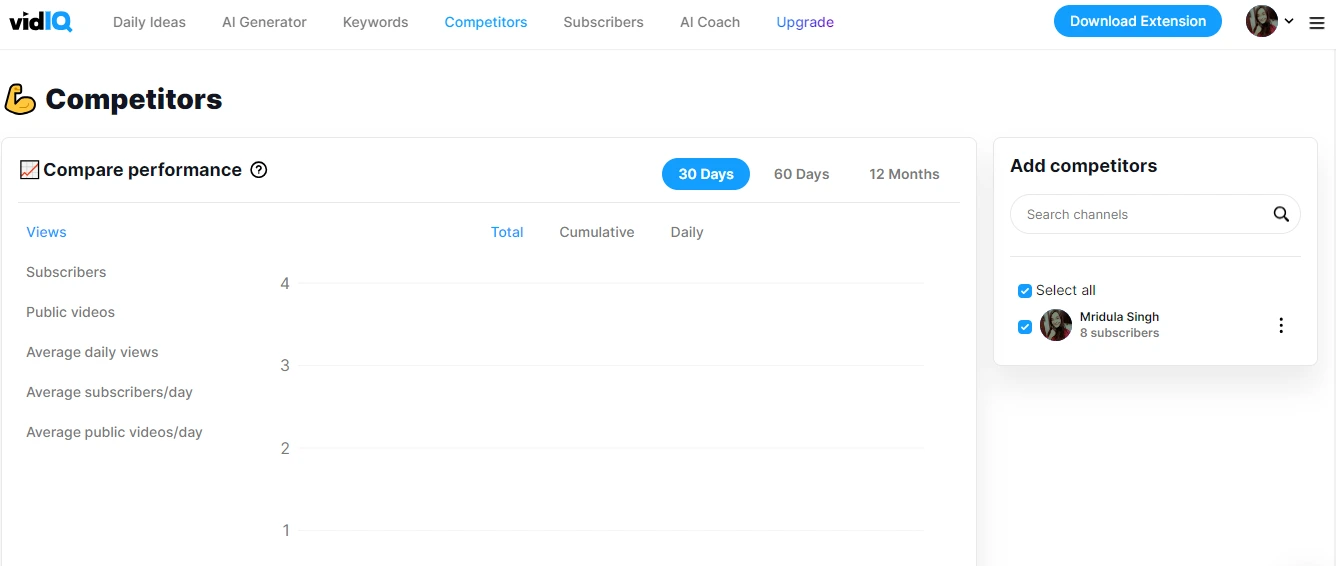
Best for: Creators who want keyword intelligence + competitor tracking in one free tool.
Free plan: Available — covers core competitor and keyword features.
3. Social Blade
Social Blade is an established social media analytics platform that offers comprehensive performance metrics for YouTube channels — and it is completely free to use. It is one of the best tools for tracking competitor channel growth over time.
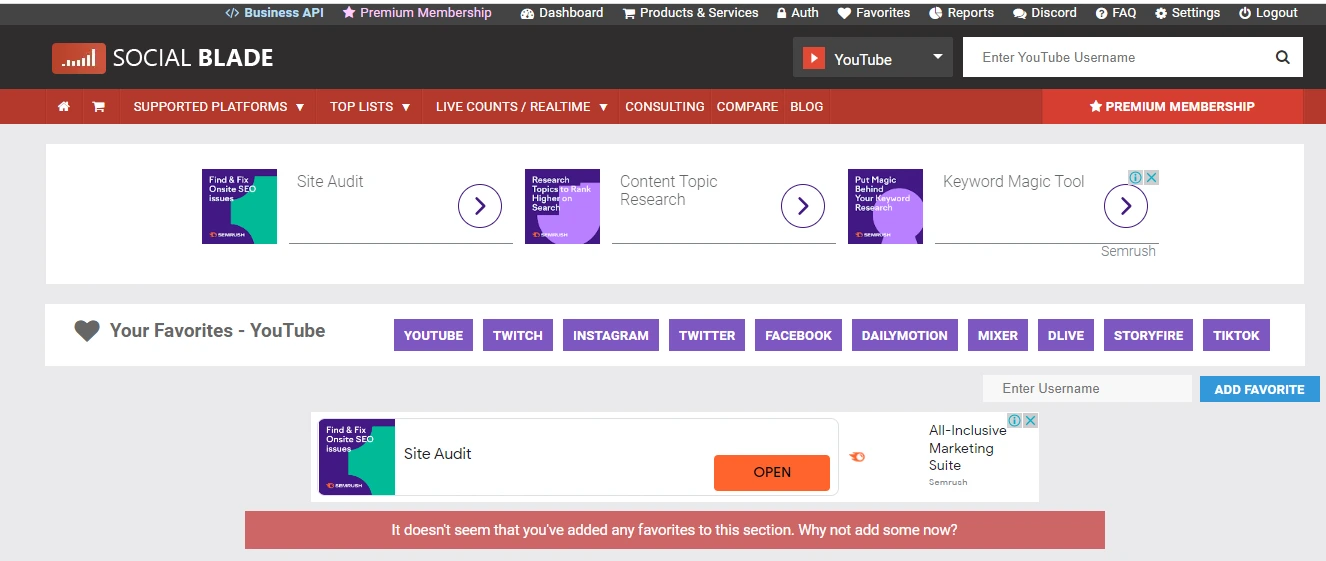
Its biggest advantage is that it is not limited to your own channel — you can analyze any public YouTube channel. Simply enter any channel name in the Social Blade search bar to instantly access detailed performance data.
Social Blade presents a clear overview of each channel including upload count, subscriber count, total views, channel type, and country of origin. It also ranks channels based on subscriber count and video views, so you can see exactly where competitors stand in the broader YouTube ecosystem.
The platform assigns a letter grade (A++ to F) to each channel based on its overall performance relative to its database of tracked channels. This gives you a quick benchmark for evaluating potential competitor channels or influencer partners.
Social Blade provides detailed weekly and monthly growth data for subscribers and views, along with a 30-day projection based on recent trends. It also shows channels that are creating similar content to yours, making competitor discovery fast and easy.
Key free features for competitor analysis:
- Search and analyze any public YouTube channel for free
- View subscriber and view growth charts (daily, weekly, monthly)
- Compare up to 3 channels side-by-side
- Channel grade and ranking within YouTube’s broader ecosystem
- Video-level performance data: views, likes, ratings, comments, estimated earnings
Best for: Tracking competitor subscriber growth trends and discovering new competitors in your niche.
Free plan: Fully free with core analytics available without an account.
4. TubeBuddy
TubeBuddy is a browser extension purpose-built to help YouTubers grow their channels with data-driven decisions. It integrates directly into the YouTube interface, making competitor analysis seamless and contextual — you see competitive data right alongside videos and search results as you browse.
TubeBuddy is particularly strong for keyword research and tag analysis. When you open any YouTube video, TubeBuddy’s overlay shows you all the tags the creator used, along with search volume and competition data for those keywords. This makes it extremely easy to identify which keywords are driving traffic to competitor videos.
TubeBuddy’s free plan includes these key features:
- “Competitor Analysis” provides valuable insights about tags, keywords, and audience demographics, helping you understand competitor strategies and performance patterns.
- “Video A/B Testing” helps you optimize thumbnails and video titles to determine the most effective options for maximizing click-through rate.
- “Bulk Processing Tool” enables bulk editing of video descriptions, titles, and tags — a huge time saver for established channels.
- “Videolytics” offers in-depth insights into any competitor’s video performance directly within the YouTube interface.
- “Health Report” analyzes your channel’s overall health and flags the most critical improvements needed.
- “Channel Milestones” helps in tracking channel growth and achievements over time.
- “Revenue Reports” provide data about revenue generation trends for monetized channels.
Best for: Keyword and tag competitor analysis; creators who want data overlaid directly on YouTube.
Free plan: Available — browser extension with core keyword and competitor features.
5. YT Tracker
YT Tracker pulls real-time YouTube video and channel analytics directly into Google Sheets. You simply enter a channel link in the first column and it automatically tracks all the essential performance metrics in a structured spreadsheet format.
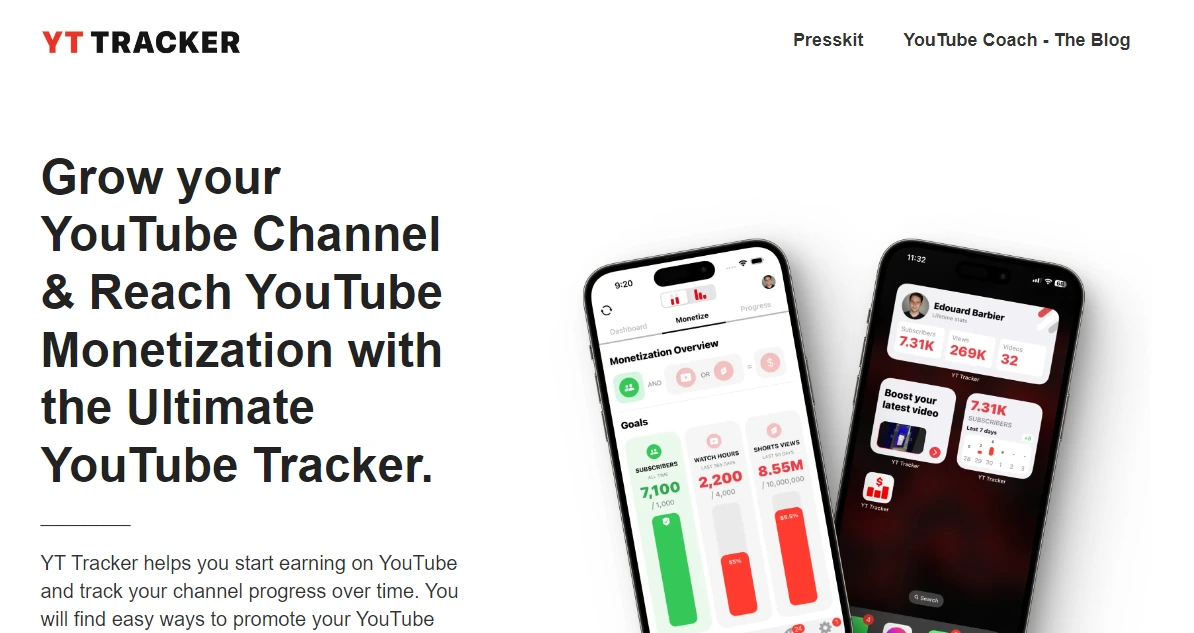
YT Tracker is impressively fast — it uses YouTube’s official Data APIs to analyze data and can export 1,000 video details in approximately 57 seconds. This makes it ideal for creators and analysts who want to track multiple channels over time in a single, organized spreadsheet.
If you manage a YouTube channel and want to monitor your performance alongside competitor channels in a format you can manipulate, chart, and share with your team, YT Tracker is an excellent free choice.
- Track your own and competitor channel analytics side-by-side in Google Sheets
- View all tracked video thumbnails in one place for quick visual comparison
- Count and monitor subscriber changes using scheduled update configuration
Key features of YT Tracker:
- Exports statistics from any public YouTube channel automatically
- Pulls all important data in real-time using the YouTube Data API
- Automatically refreshes numbers periodically in the background
- Exports all videos uploaded by any channel to a Google Sheet for easy analysis
Best for: Data-oriented creators and marketers who want competitor analytics in a spreadsheet format.
Free plan: Free Google Sheets integration available.
6. MorningFame
Morningfame is a dedicated analytics and optimization platform built specifically for YouTube creators. It focuses on helping YouTubers grow their channels through data-driven insights that are presented in a clear, actionable format — even for creators who are not deeply analytical by nature.
Key features of MorningFame:
Morningfame provides detailed analysis of every individual video, including views, watch time, audience retention, click-through rates, likes, comments, and shares. This per-video breakdown helps creators and brands precisely understand which content is resonating and which is underperforming.
The tool helps you research keywords and tags that work effectively for your niche. It surfaces relevant YouTube search keywords that could improve a video’s visibility in YouTube search results, filtered specifically for your channel’s size and competitive landscape.
Morningfame enables creators to analyze competitor channels and their individual videos. By identifying what content strategies are working for similar channels, you can adapt those successful approaches to your own content calendar and gain clearer insight into the competitive landscape of your niche.
- Tracking progress and goals:
Morningfame lets creators set growth goals and track progress toward them over time. This feature is particularly helpful for staying accountable and understanding whether your channel’s growth is on track with your targets.
Best for: Independent creators who want a beginner-friendly, YouTube-focused analytics tool.
Free plan: Limited free trial available; affordable paid tiers for ongoing use.
Free YouTube Competitor Analysis Tool Comparison
Here is a quick overview of how the top free YouTube competitor analysis tools compare across the most important features:
| Tool |
Free Plan |
Competitor Channel Tracking |
Keyword & Tag Analysis |
Video-Level Analytics |
Best For |
| YouTube Studio |
✅ Fully Free |
❌ Own channel only |
✅ Search demand research |
✅ Full video analytics |
Own channel insights |
| VidIQ |
✅ Free tier |
✅ Yes |
✅ Yes |
✅ Yes |
All-in-one competitor + KW tool |
| Social Blade |
✅ Fully Free |
✅ Yes |
❌ No |
⚠️ Limited |
Growth tracking & benchmarking |
| TubeBuddy |
✅ Free tier |
✅ Yes |
✅ Yes |
✅ Videolytics feature |
Keyword & tag research |
| YT Tracker |
✅ Free |
✅ Yes |
❌ No |
✅ Exports to Sheets |
Spreadsheet-based tracking |
| MorningFame |
⚠️ Limited trial |
✅ Yes |
✅ Yes |
✅ Yes |
Beginner-friendly growth tool |
How to Find the Keywords Your Competitors Are Using on YouTube (Free)
One of the most powerful things you can do with free YouTube competitor analysis tools is uncover the exact keywords driving traffic to competitor videos. Here is a straightforward process using free tools:
Method 1 — Using VidIQ (Free):
- Install the free VidIQ browser extension from the Chrome Web Store.
- Open any competitor video on YouTube.
- Look for the VidIQ panel that appears on the right side of the video page.
- Under “Tags,” you will see all keywords the creator used, along with search volume and competition scores for each keyword.
- Note the keywords with high search volume and low-to-medium competition — these are your priority targets.
Method 2 — Using TubeBuddy (Free):
- Install the free TubeBuddy browser extension.
- Navigate to a top-performing competitor video.
- TubeBuddy overlays keyword and tag data directly on the video page.
- Click on the “Tags” section to see all tags, along with their individual rank and search performance data.
- Cross-reference these tags with your own video to find gaps in your keyword strategy.
Method 3 — Using YouTube Studio Research Tab (Free):
- Open YouTube Studio and navigate to Analytics > Research.
- Search for keywords related to your competitor’s most-viewed content topics.
- YouTube will show you search volume, viewer interest trends, and whether the topic is already well-covered on the platform.
- Focus on keywords marked as “high search volume” with “content gaps” — these signal strong opportunity.

Frequently Asked Questions About YouTube Competitor Analysis
What is YouTube competitor analysis?
YouTube competitor analysis is the process of researching and evaluating other YouTube channels in your niche to understand their content strategy, keyword usage, audience demographics, growth rates, and engagement patterns — so you can identify opportunities to outperform them.
Which is the best free YouTube competitor analysis tool?
VidIQ is generally the best all-in-one free YouTube competitor analysis tool, as it combines competitor channel tracking, keyword and tag research, SEO scoring, and AI-powered video ideas in a single free plan. TubeBuddy is the best alternative specifically for keyword and tag analysis. For growth benchmarking, Social Blade is the top free option.
Can I see a competitor’s YouTube analytics for free?
Yes, several free tools give you access to public competitor data. Social Blade shows subscriber growth, views, and estimated earnings for any public channel at no cost. VidIQ and TubeBuddy reveal the keywords and tags used in any public video. Full internal analytics (like watch time and click-through rate) are private, but these tools provide excellent competitive intelligence from public data.
How do I find what keywords my competitors are using on YouTube for free?
Install the free VidIQ or TubeBuddy browser extension, then open any competitor video on YouTube. Both tools overlay the video’s tags and keywords directly on the page, along with search volume and competition data. This is the fastest free method to discover which keywords are driving traffic to competitor videos.
How often should I do a YouTube competitor analysis?
For active channels, a monthly competitor analysis review is recommended. This allows you to track competitor growth trends, identify new content opportunities they are capitalizing on, and adjust your keyword and content strategy accordingly. Set up a simple tracking spreadsheet using YT Tracker or Google Sheets to make this a quick, routine process.
What metrics should I track when analyzing a YouTube competitor?
The most important metrics to track are: subscriber growth rate, average views per video, engagement rate (likes + comments ÷ views), upload frequency, video length patterns, click-through rate (if visible), top-performing video topics, and the keywords used in titles, descriptions, and tags.
Is YouTube competitor analysis the same as YouTube keyword research?
They are closely related but not identical. YouTube keyword research focuses on finding high-demand search terms to target. YouTube competitor analysis is broader — it includes keyword research plus analysis of competitor content strategy, channel performance, audience targeting, thumbnail and title optimization patterns, and upload consistency. For best results, do both together.
Can small YouTube channels benefit from competitor analysis?
Absolutely. In fact, competitor analysis is often more valuable for small and new channels than for established ones. It helps you avoid creating content in an oversaturated space, find underserved keyword opportunities where you can rank without a large subscriber base, and model your strategy on channels that have already proven what works in your niche.
Conclusion
When you create videos for your YouTube channel, relying on guesswork is not enough — especially in an increasingly competitive landscape in 2026. The best-performing creators and brands use YouTube competitor analysis tools to understand their market position, find keyword opportunities, and build content strategies grounded in real data.
The tools covered in this guide — YouTube Studio, VidIQ, Social Blade, TubeBuddy, YT Tracker, and MorningFame — give you everything you need to conduct thorough competitor research without spending a penny. Each tool has its own strengths, so the best approach is to combine two or three that complement each other based on your specific goals.
Always keep an eye on updates and new features these tools release, as the YouTube ecosystem evolves rapidly. Regularly revisiting your competitor analysis — at least once a month — will keep your strategy fresh, your keyword targeting sharp, and your content aligned with what your target audience is actively searching for.
Choosing the right approach to search volume on YouTube will strengthen your overall content strategy. You will gain valuable insights into your current performance, understand your competitive position, and develop content that genuinely connects with your target audience.
Start with VidIQ or Social Blade today — both are completely free and will give you competitive intelligence that most creators in your niche are not using. That gap is your advantage.