Recently updated: June 9th, 2026
Writing is something many of us do every single day. Whether it’s emails, reports, essays, blog posts, or social media updates, putting thoughts into written words is an essential skill in 2026.
But even experienced writers make mistakes — and those mistakes are costly. Poor communication costs US and UK businesses an estimated $37 billion every year. A single typo in a client email, a passive sentence burying your key message, or a grammar slip in your blog post can quietly undermine your credibility.
That’s exactly where the best online proofreading tools come in. These AI-powered writing assistants go far beyond simple spell-check — they analyze grammar, readability, tone, style, and more, helping you produce polished, professional content every time.
In this guide, we’ve tested and reviewed the 8 best online proofreading tools in 2026 — including free and paid options — so you can find the perfect fit for your writing needs. Whether you’re a student, blogger, professional, or non-native English speaker, there’s a tool on this list for you.
What Are Online Proofreading Tools?
Online proofreading tools are AI-powered software platforms — available as websites, browser extensions, and desktop apps — that automatically scan your writing and flag errors across grammar, spelling, punctuation, sentence structure, readability, and style.
Unlike your word processor’s basic spell-checker, modern proofreading tools use Natural Language Processing (NLP) and machine learning to understand context. They don’t just catch “their” vs “there” — they can detect passive voice, suggest stronger word choices, evaluate your writing’s reading level using Flesch-Kincaid scores, and even analyze your tone to ensure it fits your audience.
The global proofreading and editing software market was valued at $1.2 billion in 2024 and is projected to reach $2.5 billion by 2033, growing at a CAGR of 9.5% — a testament to how mission-critical writing quality has become for businesses and individuals alike.
While hiring a human proofreader is still the gold standard for high-stakes content, AI proofreading tools offer a fast, affordable, and highly capable alternative for everyday writing tasks. From sophisticated grammar checkers to readability evaluations and real-time style guides, these tools can transform a sloppy draft into a polished final piece in minutes.
Why Is Proofreading Important? (The Real Cost of Errors)
Have you ever hit “send” on an important email, only to notice an embarrassing spelling or grammar mistake moments later? You’re not alone. Even the best writers miss errors when rereading their own work — our brains are wired to autocorrect familiar text, making self-editing surprisingly difficult.
But the stakes go beyond embarrassment:
- Credibility: Writing riddled with errors makes you appear unprofessional and careless, even when your core ideas are excellent.
- SEO Impact: Search engines now evaluate content quality signals, including readability, clarity, and engagement metrics. Sloppy writing with high bounce rates can indirectly hurt your rankings.
- Conversions: A poorly worded CTA or confusing product description directly reduces sales and leads.
- Business Communication: Unclear emails, reports, or proposals create misunderstandings, delay decisions, and damage professional relationships.
Proofreading isn’t just about fixing typos. A thorough proofread means checking grammar and punctuation, eliminating awkward phrasing, ensuring consistent tone and writing style, fact-checking key claims, and improving overall writing clarity. The result? Content that communicates your message powerfully and professionally.
Quick Comparison: Best Proofreading Tools at a Glance (2026)
Here’s a quick side-by-side overview to help you find the right tool before diving into the full reviews:
| Tool |
Best For |
Free Plan |
Paid From |
Grammar Check |
Style Check |
Plagiarism |
Integrations |
| Grammarly |
Best Overall |
✅ Yes |
$12/mo |
✅ |
✅ |
✅ (Premium) |
Word, Docs, Chrome, Gmail, Slack |
| ProWritingAid |
Long-form & Deep Analysis |
✅ Limited |
$10/mo |
✅ |
✅✅ |
✅ (Premium) |
Word, Docs, Scrivener, Chrome |
| Hemingway Editor |
Readability & Clarity |
✅ Web version |
$19.99 (one-time) |
✅ (Plus) |
✅ |
❌ |
Web, Desktop |
| LanguageTool |
Multilingual & Free Users |
✅ Generous |
$5/mo |
✅ |
✅ |
❌ |
Chrome, Firefox, Word, Docs |
| Ginger |
Non-Native English Speakers |
✅ Basic |
~$13/mo |
✅ |
✅ |
❌ |
Chrome, Windows, Mac, Mobile |
| QuillBot |
Paraphrasing & Rewriting |
✅ Yes |
$9.95/mo |
✅ |
✅ |
✅ (Premium) |
Chrome, Word, Docs |
| Linguix |
Business Writing & Teams |
❌ Trial only |
$8/mo |
✅ |
✅✅ |
❌ |
Chrome, Docs, Email |
| Wordtune |
AI-Powered Rewrites |
✅ 10 rewrites/day |
$9.99/mo |
✅ |
✅ |
❌ |
Chrome, Docs, Word |
Best Online Proofreading Tools in 2026 — In-Depth Reviews
1. Grammarly – Best Overall Online Proofreading Tool
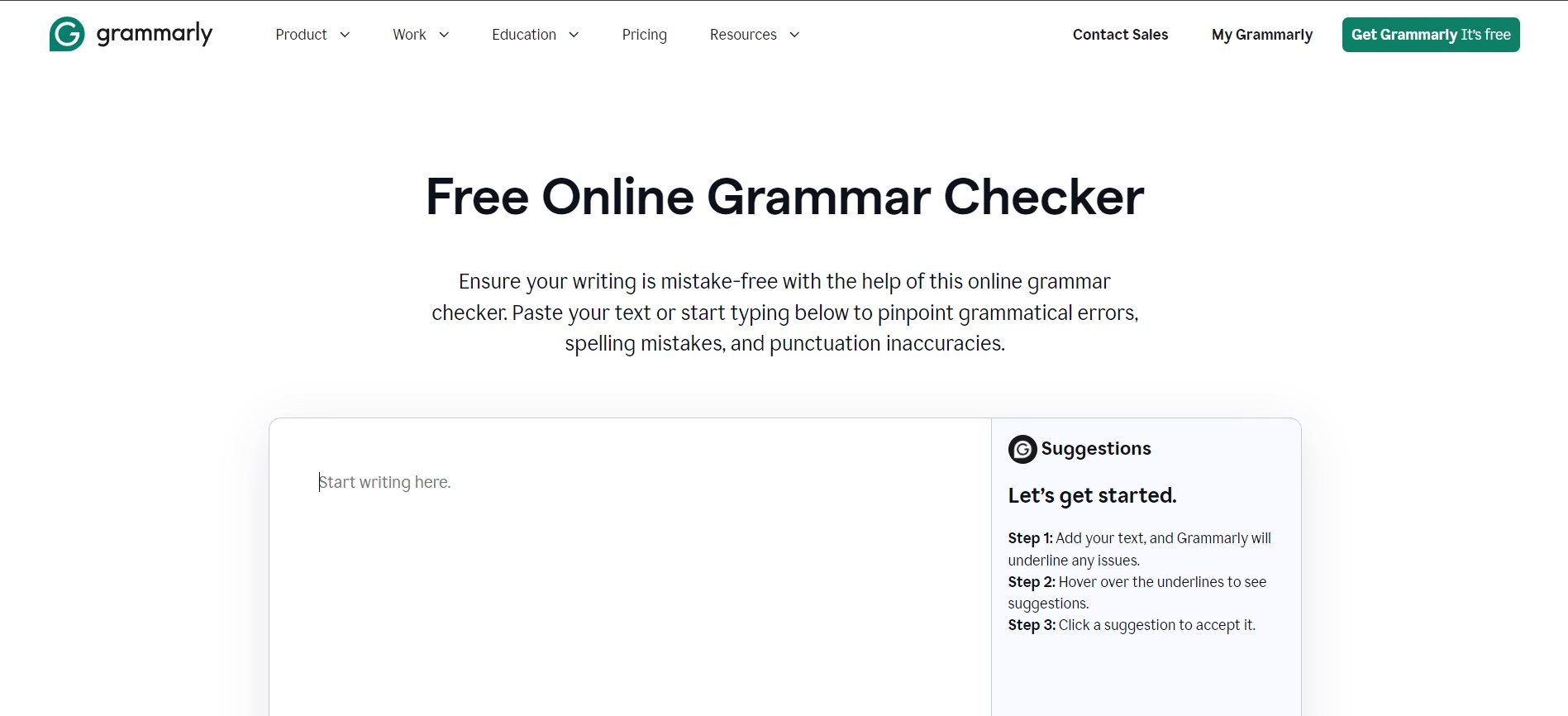
Grammarly is the world’s most widely used AI writing assistant and best overall online proofreading tool for 2026. With over 30 million daily active users, it goes far beyond catching simple spelling and grammar mistakes — it’s a full-featured writing assistant that analyzes tone, clarity, engagement, and delivery in real time.
What makes Grammarly stand out is its accuracy. In independent testing, it caught 13 of 15 intentionally planted errors in a 1,200-word blog draft — the highest catch rate among tools tested. Its brand voice feature for teams ensures consistency across all your organization’s content, making it equally powerful for solo writers and marketing teams.
Key Features
- Checks over 400 advanced grammar rules, including subject-verb agreement, article use, modifier placement, and more.
- Catches contextual spelling errors — distinguishing “affect” vs “effect” in context.
- Tone detection: Identifies whether your writing sounds confident, formal, friendly, or diplomatic.
- Highlights passive voice, wordiness, and suggests clearer, more concise alternatives.
- Seamlessly integrates with Microsoft Word, Google Docs, Gmail, Slack, and 500,000+ websites via browser extension.
- Premium includes a powerful plagiarism checker that scans against 16 billion web pages.
- Full-sentence AI rewrites available in the premium plan.
Pricing: Free vs. Premium
- Free: Grammar, spelling, and punctuation checks. Works across all platforms.
- Premium: $12/month (billed annually). Adds style suggestions, tone detector, full-sentence rewrites, and plagiarism checker.
- Business: $15/user/month. Adds brand voice, style guides, and team analytics.
Pros & Cons
- ✅ Pros: Highest accuracy, widest integrations, excellent free tier, works everywhere.
- ❌ Cons: English only. Can over-polish voice if you accept every suggestion blindly. Premium is pricier than alternatives.
Best for: Solo writers, professionals, students, marketers, and teams who want the most reliable, always-on proofreading across every platform.
2. ProWritingAid – Best for Long-Form Content & Deep Analysis
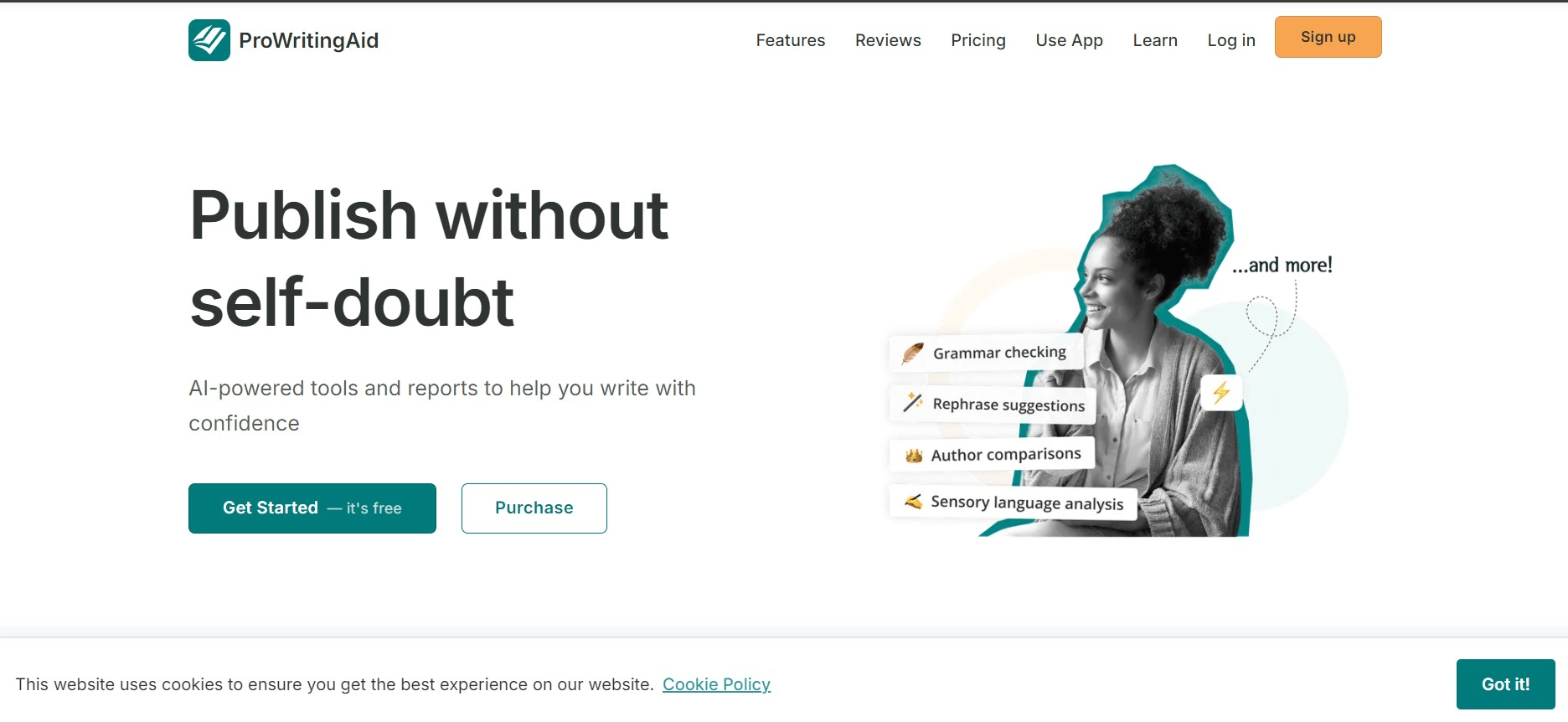
ProWritingAid is the go-to proofreading software for writers who need deep, comprehensive analysis of their writing. Ranked as the #1 Grammarly alternative on G2 (4.2/5 rating), it’s an all-in-one writing coach that combines grammar checking, style analysis, readability scoring, and personalized improvement exercises.
Where ProWritingAid truly shines is in its 20+ writing reports, each designed for a specific writing scenario — whether you’re working on a novel, an essay, a blog post, or a business report. The “writing reports” give you measurable insight into your writing’s pacing, sentence variety, clichés, sticky phrases, and more — features no other proofreading tool offers at this depth.
Key Features
- Checks over 1,000 grammar rules, including run-on sentences, misplaced modifiers, and comma splices.
- 20+ in-depth writing reports: readability, sentence length, pacing, passive voice, overused words, and more.
- Contextual thesaurus integration for vocabulary enhancement.
- Highlights clichés, redundant phrases, and sticky words that slow readers down.
- Personalized coaching feature creates a plan to systematically improve your weaknesses.
- Integrates with Microsoft Word, Google Docs, Scrivener, Chrome, and major writing apps.
- Lifetime plan available — a cost-effective option for serious writers.
Pricing: Free & Premium
- Free: Limited reports and word count cap per check.
- Premium: ~$10/month (billed annually). Full access to all 20+ reports and integrations.
- Lifetime: $399 one-time. Best value for long-term users.
Pros & Cons
- ✅ Pros: Deepest writing analysis available. Lifetime plan. Excellent for novelists, bloggers, and business writers. Detailed coaching.
- ❌ Cons: Interface can feel overwhelming for beginners. Not ideal for quick, short-form email checks.
Best for: Authors, content marketers, bloggers, and business writers who produce long-form content and want data-driven feedback on their writing quality.
3. Hemingway Editor – Best Free Tool for Readability & Clarity
The Hemingway Editor is a uniquely focused online proofreading tool built around a single goal: making your writing bold and clear. Unlike Grammarly or ProWritingAid, Hemingway doesn’t obsess over grammar rules — instead, it uses a simple color-coded system to highlight writing problems that make your text hard to read.
It calculates your content’s Flesch-Kincaid readability grade level and flags four types of issues: long, complex sentences (highlighted in yellow or red), passive voice constructions (green), unnecessary adverbs (blue), and difficult words that have simpler alternatives (purple). It’s the perfect second-pass editor to run after your grammar checker.
Key Features
- Color-coded readability analysis — instantly shows which sentences are too complex.
- Calculates Flesch-Kincaid grade level — target Grade 6–8 for most online content.
- Flags passive voice, unnecessary adverbs, and overly complex words.
- Hemingway Editor Plus (paid) adds AI-powered grammar checking, tone tools, and a full spelling checker.
- Free web version requires no account or sign-up.
- Desktop app available for offline use.
Pricing
- Free: Full readability analysis on the web version (hemingwayapp.com). No grammar check.
- Hemingway Editor Plus: $19.99 one-time payment. Adds AI grammar checker, tone analysis, and spelling check.
Pros & Cons
- ✅ Pros: Free and instant. Best readability tool available. Dead simple to use. No account required. One-time payment for Plus.
- ❌ Cons: Free version has no grammar checker. Not suitable as a standalone proofreading tool — best used alongside Grammarly or LanguageTool.
Best for: Bloggers, content marketers, and SEO writers who want to improve readability scores and keep readers engaged to the end of the page.
4. LanguageTool – Best Free Multilingual Proofreading Tool
LanguageTool is the most powerful free online proofreading tool available in 2026, and the undisputed best choice for non-English and multilingual writers. Unlike Grammarly (English only), LanguageTool supports grammar, spelling, and style checking in 30+ languages, including Spanish, French, German, Portuguese, Dutch, Russian, and more.
Its free tier is genuinely useful — no account required — allowing checks of up to 10,000 characters per session. For privacy-conscious users, LanguageTool is also open-source and fully GDPR-compliant, making it the preferred choice for European businesses and enterprises with strict data policies.
Key Features
- Grammar, spelling, and style checking in 30+ languages and dialects.
- Picky Mode for advanced style suggestions, including passive voice, redundancy, and tone.
- AI-powered paraphrasing tool included.
- Open-source foundation — GDPR compliant, no text storage.
- Browser extensions for Chrome, Firefox, Edge, and Safari. Add-ons for Word, Google Docs, and LibreOffice.
- Mother tongue feature: Set your native language so it flags common errors made by speakers of your language.
Pricing
- Free: 10,000 characters/check in all supported languages. No account needed.
- Premium: ~$5/month (billed annually). Removes character limits, adds more style rules.
Pros & Cons
- ✅ Pros: Best multilingual support (30+ languages). Generous free tier. Privacy-first, GDPR compliant. Open-source. Very affordable premium.
- ❌ Cons: English accuracy slightly behind Grammarly. No plagiarism checker. No tone detection.
Best for: Multilingual writers, non-native English speakers, translators, European businesses, and budget-conscious users who need reliable free proofreading.
5. Ginger – Best for Non-Native English Speakers
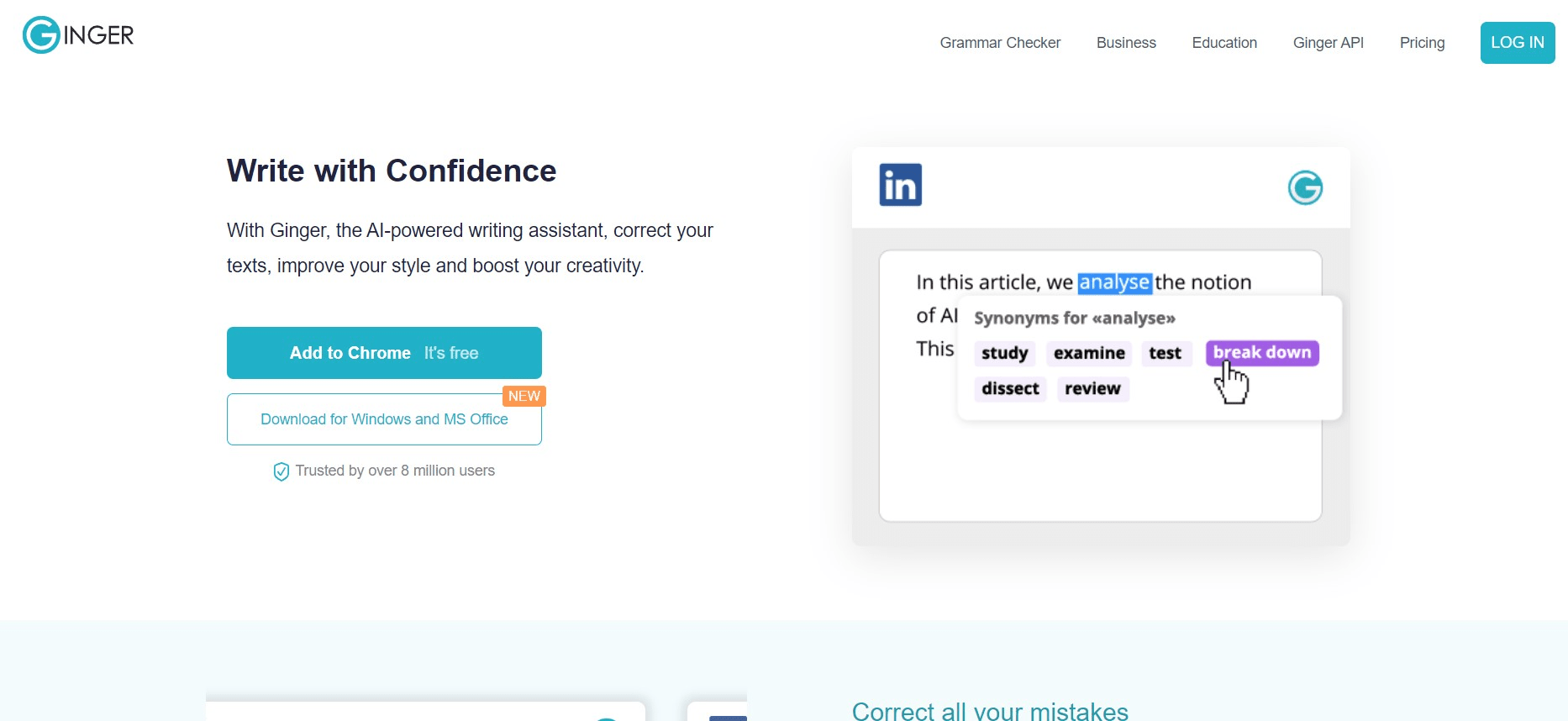
Ginger is a well-established online proofreading tool that has long been a favorite among non-native English speakers, language learners, and ESL writers. Its combination of grammar checking, translation capabilities, and personalized learning makes it a uniquely helpful tool for those working to improve their English writing skills over time.
Key Features
- Advanced grammar and spell-checking across 350+ grammatical mistake types.
- Sentence structure analysis and suggestions for rephrasing awkward sentences.
- Identifies commonly confused words (their/there/they’re, affect/effect, etc.).
- Translation capability across 60+ languages — write in your native language and translate to English.
- Personal Trainer feature: remembers your recurring errors and creates personalized grammar exercises.
- Contextual synonym suggestions to avoid word repetition.
- Browser extensions + desktop apps for Windows and Mac + mobile keyboard app.
Pricing: Free & Premium
- Free: Basic grammar and spell checking.
- Premium: ~$13/month. Unlocks full sentence rephraser, translator, personal trainer, and unlimited checks.
Pros & Cons
- ✅ Pros: Excellent for ESL writers. Built-in translation for 60+ languages. Personal Trainer improves your English over time. Mobile keyboard app.
- ❌ Cons: Fewer integrations than Grammarly. Premium is more expensive relative to LanguageTool for multilingual use. Interface feels dated.
Best for: Non-native English speakers, ESL students, language learners, and writers who translate content across multiple languages.
6. QuillBot – Best for Paraphrasing & Content Rewriting
QuillBot is a unique AI-powered tool that blends grammar checking with sophisticated paraphrasing and content rewriting capabilities. While it started as a paraphrasing tool, its grammar checker has matured significantly and now rivals Grammarly’s free tier — making it an excellent free proofreading tool for those who also need to rephrase or restructure their content.
Key Features
- 7 paraphrasing modes: Standard, Fluency, Formal, Simple, Creative, Expand, Shorten.
- Grammar checker with real-time corrections comparable to Grammarly’s free plan.
- AI summarizer and translator built in.
- Works in Google Docs and Microsoft Word via extension.
- Synonym customization — control how aggressively it replaces words.
- Premium includes plagiarism checker and faster processing.
Pricing
- Free: 125 words/paraphrase, grammar checker, summarizer.
- Premium: ~$9.95/month. Unlimited paraphrasing, plagiarism checker, advanced grammar.
Best for: Content writers, bloggers, and marketers who frequently need to rephrase or repurpose content, alongside grammar checking.
7. Linguix – Best for Business Writing & Teams
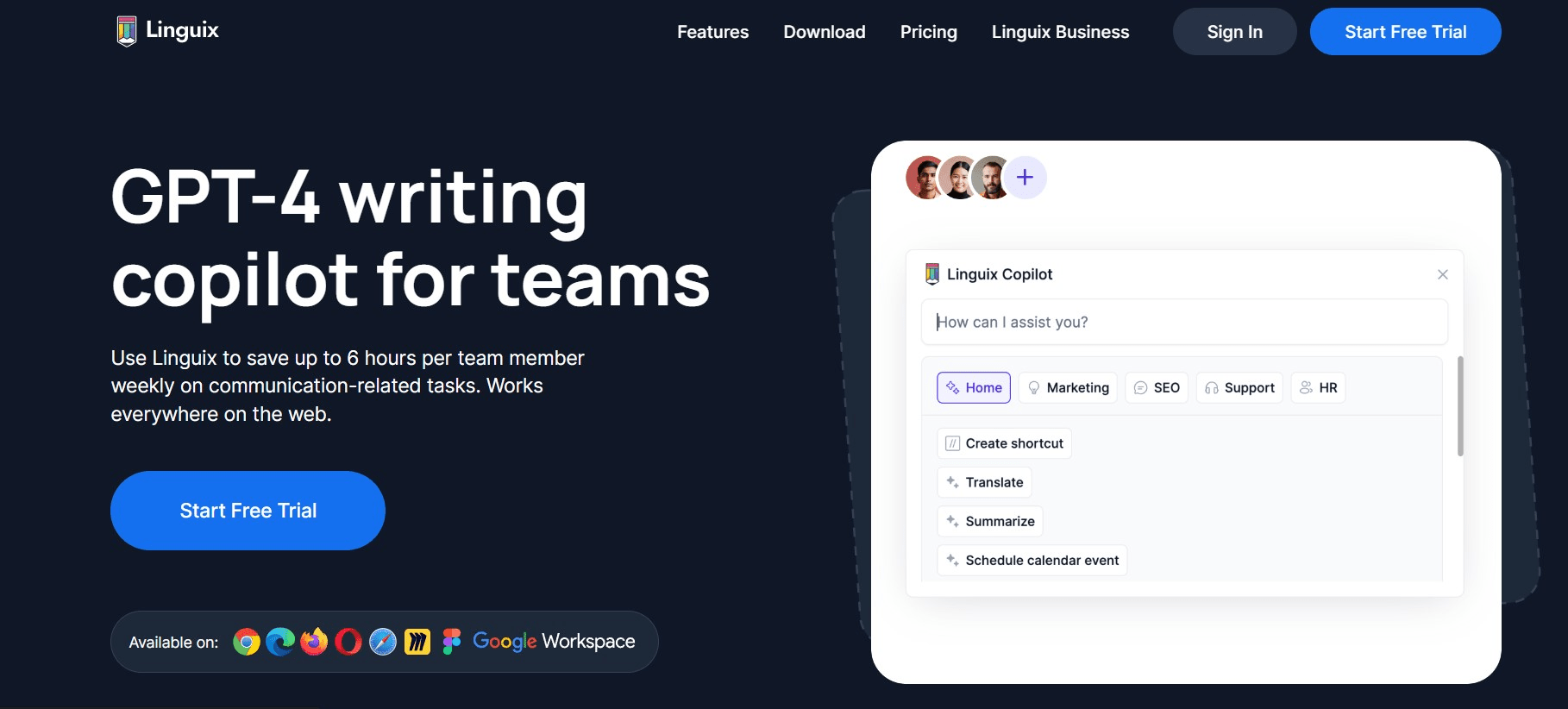
Linguix is an AI-powered proofreading and business writing assistant that excels in advanced style and tone analysis. It’s particularly well-suited for professional writers, marketing teams, and business users who need to maintain a consistent, confident, and on-brand writing voice across all content.
Key Features
- Catches over 3,800 grammar rules, with detailed explanations for each suggestion.
- Advanced AI-powered style and tone analysis: evaluates vocabulary, phrasing, reading level, and flow.
- Contextual synonym suggestions to improve vocabulary and avoid repetition.
- 50+ writing templates for emails, reports, proposals, blog posts, and more.
- Goal setting and performance analytics to track writing improvement over time.
- Browser extension works across websites, Google Docs, email clients, and writing apps.
- Team collaboration features with shared writing templates and style guides.
Pricing
- Personal: ~$8/month (pay only for months you use it — no rigid annual lock-in).
- Business: Custom pricing for teams.
Pros & Cons
- ✅ Pros: Excellent tone and style coaching. 50+ templates. Goal tracking. Flexible monthly billing. Strong for team writing consistency.
- ❌ Cons: No free plan. Not as widely integrated as Grammarly. Less brand recognition, meaning fewer tutorials and community resources.
Best for: Business professionals, marketers, and writing teams who want AI-powered coaching to improve style, tone, and writing consistency.
8. Wordtune – Best for AI-Powered Sentence Rewrites
Wordtune is a next-generation AI writing assistant focused on helping you rewrite and rephrase sentences while preserving their original meaning. Rather than just correcting errors, Wordtune suggests multiple alternative phrasings for any sentence — letting you choose the version that sounds most natural, formal, casual, or concise for your context.
Key Features
- AI sentence rewrites with multiple phrasing options per sentence.
- Tone adjustment: switch between formal and casual writing styles.
- Shortening and expansion tools to hit your target word count.
- Grammar and spelling checking included.
- Works in Google Docs, Microsoft Word, Gmail, LinkedIn, and Twitter/X via Chrome extension.
- Spices feature: AI-generated suggestions to add examples, analogies, or statistics to your writing.
Pricing
- Free: 10 rewrites/day, grammar checker, basic shortening/expansion.
- Plus: ~$9.99/month. Unlimited rewrites, full Spices feature, AI summaries.
Best for: Content creators, social media managers, and professionals who want help finding the perfect phrasing — not just fixing errors.
How to Choose the Right Online Proofreading Tool for Your Needs
With so many excellent options available, the best proofreading tool depends entirely on how and what you write. Here’s a quick decision guide:
For Students & Academic Writers
Start with Grammarly’s free plan for everyday grammar and spelling. Upgrade to Grammarly Premium if you need the plagiarism checker — essential for academic submissions. For longer essays and thesis papers, run your content through ProWritingAid for deeper structural analysis. Use the free Hemingway Editor to ensure your academic writing reads at the appropriate grade level.
For Business Professionals & Email Writing
Grammarly is the clear winner for professionals — its Gmail, Outlook, and Slack integrations mean it checks your emails and messages automatically as you type. For formal reports and presentations, ProWritingAid’s business writing reports provide unmatched depth. Linguix is worth exploring if your team needs consistent brand voice across all written communications.
For Bloggers & Content Creators
Use Grammarly as your primary grammar checker and Hemingway Editor as your readability pass. Hemingway’s grade-level scoring is particularly valuable for SEO content, where readability directly impacts user engagement and dwell time. QuillBot is a great addition for repurposing and rephrasing content efficiently.
For Non-Native English Speakers
LanguageTool is the best free option if you write in multiple languages. Ginger is ideal if you need translation support (60+ languages) and personalized grammar training. Both tools are designed with non-native speakers in mind.
Frequently Asked Questions About Online Proofreading Tools
- What is the best free online proofreading tool in 2026?
- Grammarly’s free plan is the most popular option for English writers, offering reliable grammar, spelling, and punctuation checks across all platforms. LanguageTool is the best free choice for multilingual writers, supporting 30+ languages with no account required and allowing up to 10,000 characters per check. Both are excellent starting points for anyone looking for free online proofreading.
- Is Grammarly free or paid?
- Grammarly offers both a free and a premium plan. The free version covers essential grammar, spelling, and punctuation checks and works across all Grammarly’s platforms. Grammarly Premium costs $12/month (billed annually) and adds advanced style suggestions, tone detection, a plagiarism checker, and full-sentence AI rewrites. There’s also Grammarly Business ($15/user/month) for teams needing brand voice consistency.
- What are the best proofreading tools for business emails and reports?
- Grammarly is the top pick for business emails due to its native integration with Gmail, Outlook, and Slack — it checks your messages automatically as you type. For formal business reports and long-form documents, ProWritingAid’s specialized business writing reports offer the deepest analysis. Linguix is excellent for teams that want to enforce consistent style and tone standards across all written communications.
- Which proofreading tool is best for students?
- Grammarly is the most popular proofreading tool for students thanks to its free plan and built-in plagiarism checker (Premium). ProWritingAid is excellent for longer academic essays and thesis papers. The Hemingway Editor is completely free and helps improve clarity and readability — a great complement to any grammar checker for academic writing.
- What is the difference between a grammar checker and a proofreading tool?
- A grammar checker focuses specifically on grammatical errors like subject-verb agreement and punctuation mistakes. A proofreading tool is broader — it checks grammar, spelling, readability, writing style, tone, word choice, and sometimes plagiarism. Most modern proofreading tools include a grammar checker as one component of a larger suite of writing improvement features.
- Can AI proofreading tools replace human proofreaders?
- AI proofreading tools are excellent for catching grammar, spelling, and style errors quickly and affordably — and in 2026, they’ve become remarkably accurate. However, human proofreaders still outperform AI for nuanced tone adjustments, domain-specific terminology, understanding creative intent, and high-stakes content like legal documents or published books. For most everyday writing — emails, blog posts, social media, business reports — AI tools are more than sufficient.
- How do I proofread my essay or document online for free?
- Here’s a simple 3-step process: First, paste your text into Grammarly’s free web editor and review all highlighted grammar and spelling suggestions. Second, run the revised text through the free Hemingway Editor to identify any sentences that are too complex or hard to read. Third, do a final manual read-through — reading aloud helps catch awkward phrasing that tools sometimes miss.
- Which proofreading tool works best in Google Docs?
- Grammarly has the most polished Google Docs integration, running automatically in the browser via its Chrome extension. LanguageTool also offers a dedicated Google Docs add-on. ProWritingAid has a Chrome extension that activates in Google Docs as well. All three provide real-time suggestions directly within your Docs editor without needing to copy-paste your text.
Conclusion: Which Online Proofreading Tool Should You Use?
Proofreading is a non-negotiable step for anyone who writes — whether it’s a quick professional email, a detailed business report, or a long-form blog post. The right online proofreading tool can transform your writing from good to exceptional, catching the errors your brain learns to skip right past.
Here’s our quick verdict for 2026:
- Best overall: Grammarly — widest integrations, highest accuracy, excellent free tier.
- Best for deep analysis: ProWritingAid — 20+ writing reports, lifetime plan, ideal for long-form.
- Best for readability: Hemingway Editor — free, instant, and brutally effective at clarity.
- Best free tool (multilingual): LanguageTool — 30+ languages, GDPR-compliant, no account needed.
- Best for non-native speakers: Ginger — translation, personal trainer, 60+ language support.
- Best for paraphrasing: QuillBot — 7 rewriting modes plus solid grammar checking.
- Best for business teams: Linguix — tone coaching, 50+ templates, team style guides.
- Best for rewrites: Wordtune — AI-powered sentence alternatives with tone control.
Start with Grammarly’s free plan as your baseline — it works everywhere and catches the most errors. Then add Hemingway Editor for readability passes on your blog content. From there, choose a specialist tool based on your specific writing goals and upgrade when you’re ready.
Clean, clear, error-free writing doesn’t just look professional — it builds trust, improves SEO performance, and ensures your message lands exactly as intended.